Welcome to ReplicantDriveSim’s documentation!

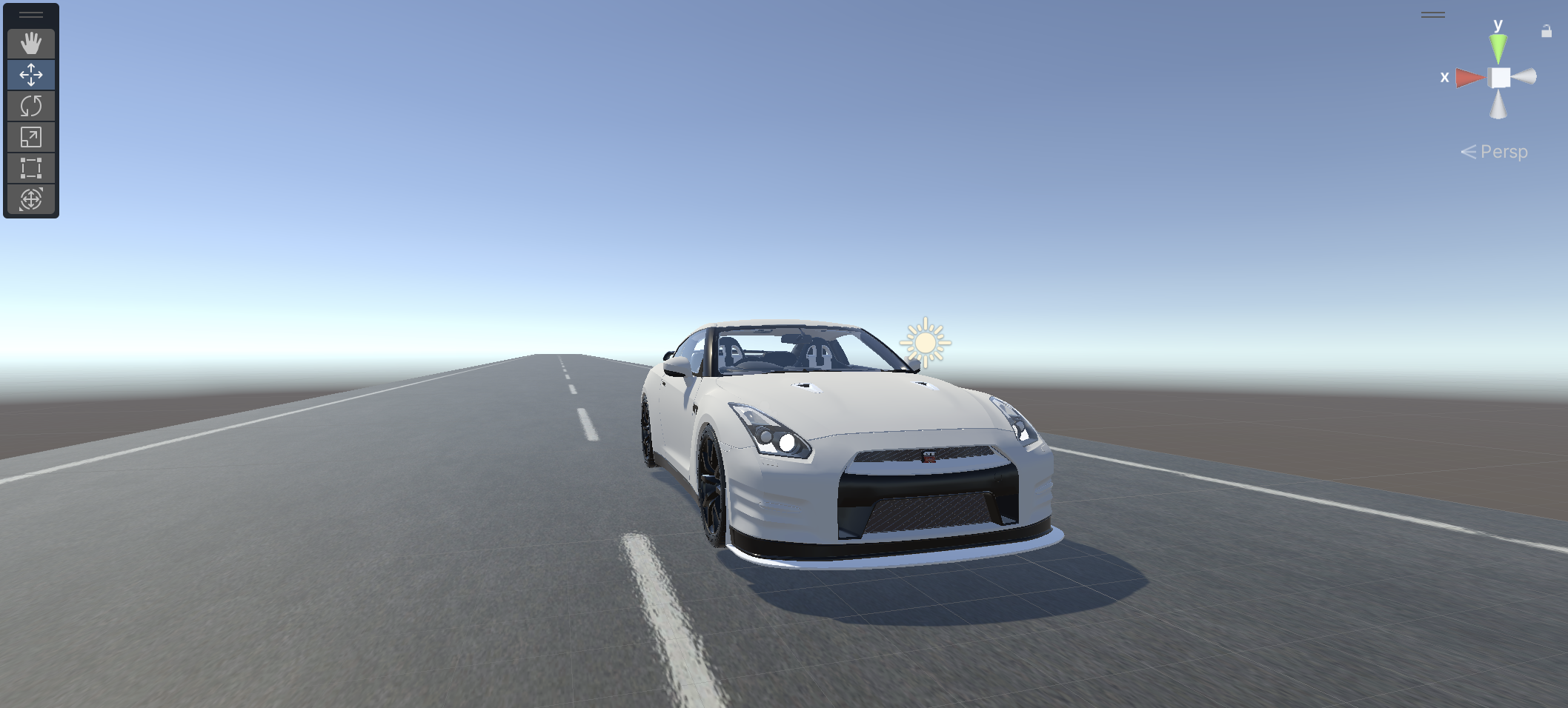
ReplicantDriveSim is an advanced traffic simulation project designed for autonomous driving research. It leverages reinforcement learning, imitation learning, and computer vision to create realistic traffic scenarios and synthetic driving data. The simulation environment is built using Pygame for visualization and Miniforge for Python package management, ensuring a seamless development and deployment experience.
Quick Links
Project Setup
Required Unity Version
This project was developed using Unity 2022.3.39f1 (LTS). To ensure compatibility, please use this version or later Long-Term Support (LTS) versions of Unity.
Installation
Clone the repository:
git clone git@github.com:chrisjcc/ReplicantDriveSim.git
Open the project in Unity Hub and select Unity version 2022.3.39f1.
Let Unity install any necessary packages and dependencies.
Generate Doxygen Documentation
Prerequisites
Ensure Doxygen is installed on your local machine:
Ubuntu:
sudo apt-get install doxygen
sudo apt-get install graphviz
macOS:
brew install doxygen
brew install graphviz
Generate Documentation
Navigate to the root directory of your project where the Doxyfile is located.
Run the Doxygen command:
doxygen DoxyfileThe generated HTML files can be found in the directory specified by the OUTPUT_DIRECTORY setting in the Doxyfile (typically docs/html).